One link.
Every guest.
A flyer each.
Create your event, share one link, and let guests RSVP with a flyer made for them. Keep the guest list and reminders together in one place.
Free to start · No app for guests · Photos stay on their phone
- link to share
- 1
- simple steps
- 5
- apps to install
- 0
- guest photos stay local
- 100%
link to share
simple steps
apps to install
guest photos stay local
How it works
Five easy steps
No design skills, no tech know-how. If you can send a WhatsApp message, you can run this.
Get started- 1
Upload your flyer
Use your own design, import from Canva, or pick a ready-made template.
- 2
Mark the photo spot
Drag a frame where guests' faces go. We handle the layout for you.
- 3
Share one link
Post it on WhatsApp, Instagram or anywhere your guests already are.
- 4
Guests RSVP
They open the link, add a photo and name, and get a flyer made for them.
- 5
Manage & remind
Watch RSVPs roll in live and nudge guests on WhatsApp before the big day.
For every gathering
One link fits every occasion
- Conferences
- Weddings
- Church programmes
- Alumni reunions
- Birthdays
- Product launches
- Fundraisers
- Concerts
- Community meetups
- Award nights
Made by organizers
Events already live
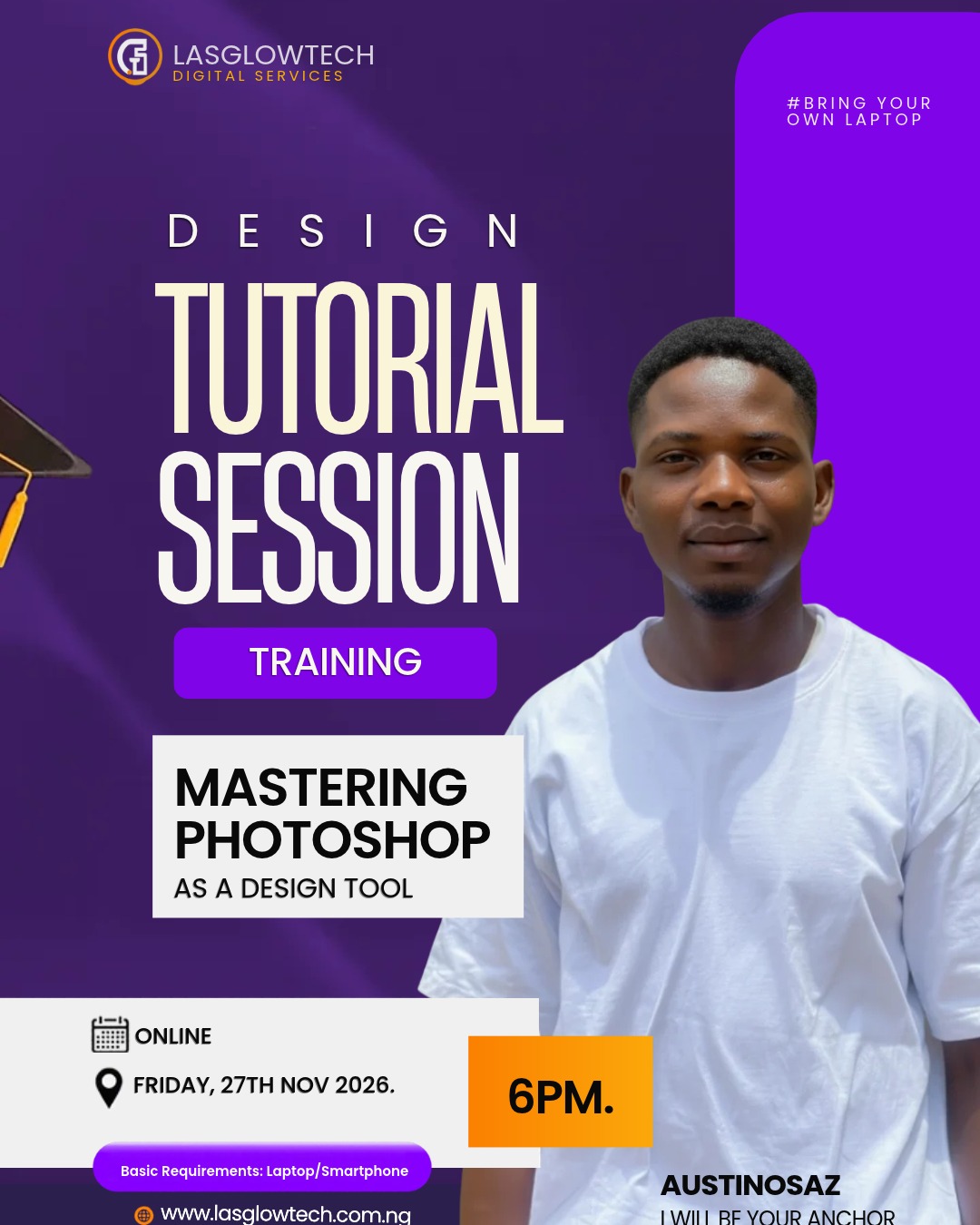
Real flyers designed and published with GuestDP. Tap one to see the guest experience.

Your guests
Meet your guests
Every guest gets a flyer made just for them. Here's what yours could look like.
- AOAttending
Amaka Obi
Speaker · Eko Hotel · Lagos
- CEAttending
Chidi Eze
VIP guest · Abuja
- FBAttending
Fatima Bello
Attendee · Port Harcourt
- TAAttending
Tunde Ade
Host · Ibadan
- NNAttending
Ngozi Nwosu
Attendee · Enugu
- KOAttending
Kelechi Okafor
Volunteer · Kaduna
Made easy
Everything you need, nothing you don't
The flyer is the product. Everything around it stays out of your way.
Guest flyers
Every guest adds a photo and name and downloads a flyer to post. Made in their browser — the picture never leaves their phone.
Live guest list
See who is coming the moment they RSVP, with roles like Speaker or VIP.
- AOAmaka ObiSpeaker
- FEFatima BelloAttendee
- NONgozi NwosuVIP
WhatsApp reminders
Nudge everyone who shared a number before the big day — one tap from your dashboard, no exports or spreadsheets.
Questions
Frequently asked questions
01Do my guests need an account?
No. Guests open your link, add their photo and name, and download their flyer. Nothing to sign up for or install.
02What happens to guests' photos?
They stay on the guest's phone. The flyer is made in their browser and the picture is never uploaded to our servers.
03Can I use my own flyer design?
Yes. Upload your design, import it from Canva, or start from one of our templates and change anything.
04How do I share my event?
You get one simple link. Post it on WhatsApp, Instagram, your church group or anywhere your guests are.
05Can I see who is coming?
Yes. Your dashboard shows every RSVP as it happens, and you can remind guests on WhatsApp.
Ready when you are.
Create your event, pick a look, share the link — and let your guests do the talking.
Create your event